Micro-Engines vs. Raw Canvas: Is Rolling Your Own 2D Framework Still the Best Strategy?
Micro-engines or raw canvas? A practical look at 2D framework trade-offs in gamedev and JS game development, and when it still makes sense to build your own.
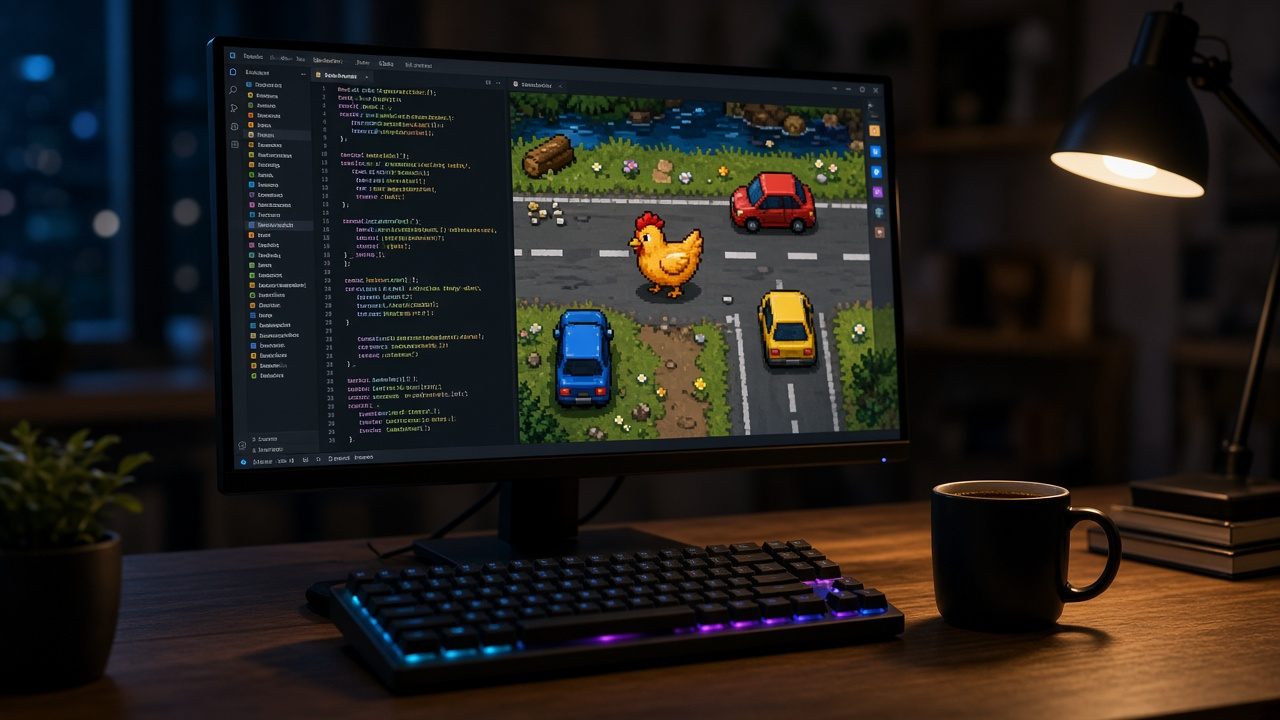
(Sponsored) A few years back I started a tiny browser game on a Sunday afternoon, fully sure it would be finished by dinner. One canvas, one square, move it with the arrow keys. Easy.
By Tuesday I was still wrestling with image loading and a loop that stuttered every few seconds. If that sounds familiar, you've probably asked the usual gamedev question: should I have grabbed an engine?
Lately the micro-engines crowd has a decent answer. So, raw canvas or a small library?
I'll go through both, poke at the habit of keeping a personal 2D framework for every project, and say where I land. Picture a lightweight project for any modern web browser, something simple like Chicken Road 2, a light browser game with one compact scene, a few sprites and quick restarts.
That's the awkward size for JS game development. Nothing in it needs a heavy toolkit, yet sloppy code still shows within minutes.
Drawing Everything Yourself
With raw canvas you get a 2D context and, well, that's about it. drawImage, a few transforms, paths. No scene graph, no loader, no collisions, no sound helper.
Even the loop is yours to write (requestAnimationFrame plus some delta-time maths, and skip the delta part at your peril, because the first 144 Hz monitor will make your game run too fast).I like this approach, honestly.
Nothing to install, nothing to fight, and when a frame runs slow you know exactly whose fault it is. For learning it's hard to beat.
Then the game grows.
The Boring Stuff That Bites
Nobody warns you how much of the work is plumbing. This is my usual list, roughly in the order I regretted skipping each item:
- a fixed timestep, otherwise physics speed depends on the screen;
- image preloading and cutting sprite sheets;
- one input layer for keyboard, mouse and touch;
- devicePixelRatio scaling, because blurry sprites on a phone look awful;
- audio unlocking, since browsers refuse to play sound before a tap or click;
- pausing when the tab goes to the background.
Where Micro-Engines Come In
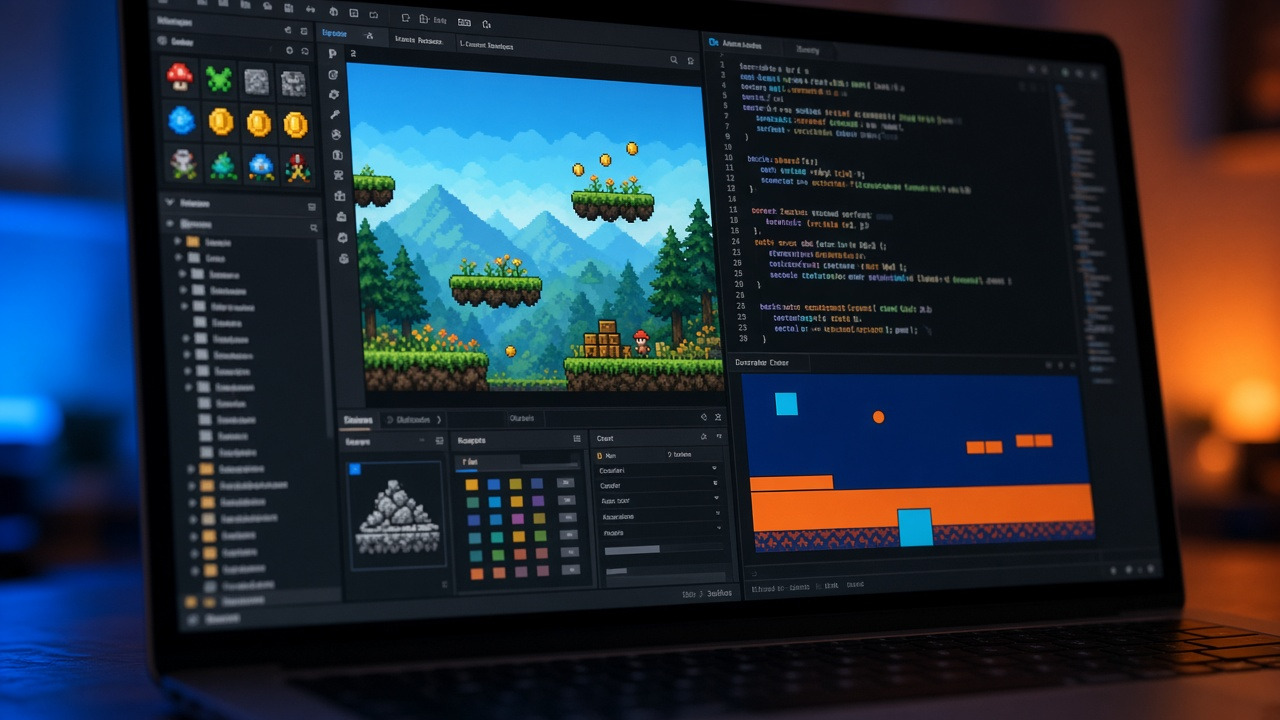
A micro-engine is the in-between option. LittleJS, Kontra and KAPLAY (the community continuation of Kaboom.js) all give you a loop, sprites, input and simple collisions in a download measured in kilobytes.
You still decide how the game is organized. Phaser and PixiJS go much further, which is great until you notice you're reading docs for a feature you'll never touch.
How the Three Routes Compare
Here's a rough table. It's my own take, not a benchmark, so read the cells as tendencies:
| Factor | Raw canvas | Micro-engine | Full engine |
|---|---|---|---|
| Bundle size | Smallest | Small | Largest |
| Time to first playable | Slowest | Fast | Fast, after a learning curve |
| Control over rendering | Total | High | Moderate |
| Learning curve | Gentle, but a long build | Short | Steep |
| Best fit | Experiments, tiny builds | Prototypes, casual games | Large, content-heavy games |
Nothing wins every row, which is kind of the point.
Where I Land
My advice? Give raw canvas one weekend, mostly so you can see for yourself what a game loop does when you get it wrong.
Then, for anything you'd like to actually finish, pick one of the micro-engines and get on with it. Look at Chicken Road 2: one tidy scene, a loop that behaves, and that's pretty much the whole recipe.
I think about that whenever I catch myself overbuilding, and it holds up whether gamedev is brand new to you or JS game development is your day job.
Read More from The Rio Times